c
Copy Right
by:Hussain


 9
9
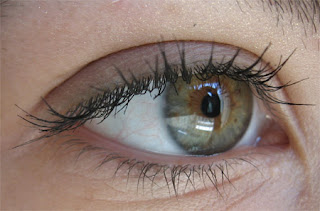
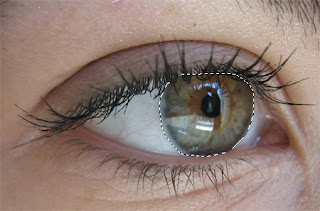
 come out as a transparent red tone to indicate where you are applying a mask.
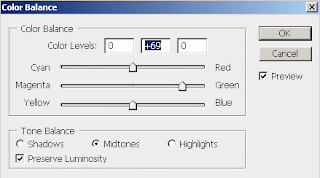
9. Click OK and you will have changed the color of the iris to the color you chose.
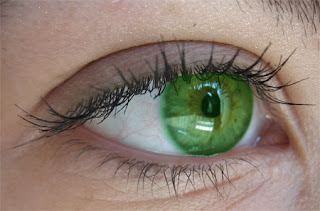
10. However, the color of the iris is sometimes too bright. So goto Image > Adjustments > Hue/Saturation.
11. Adjust the Saturation slider to the left to decrease the brightness intensity of the color.
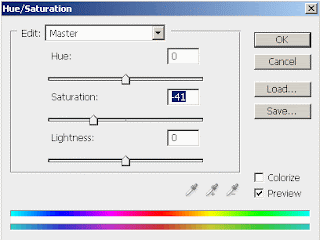
12. Click OK to accept the changes and you should now have your new realistic eye color change!

Copyright 2009 © - Photoshop Manipulation - Changing Eye Color Eye Color Changehttp://www.photoshopmanipulation.com/eye-color-change/index.php